
Discovering God’s Gifts in You
1
2
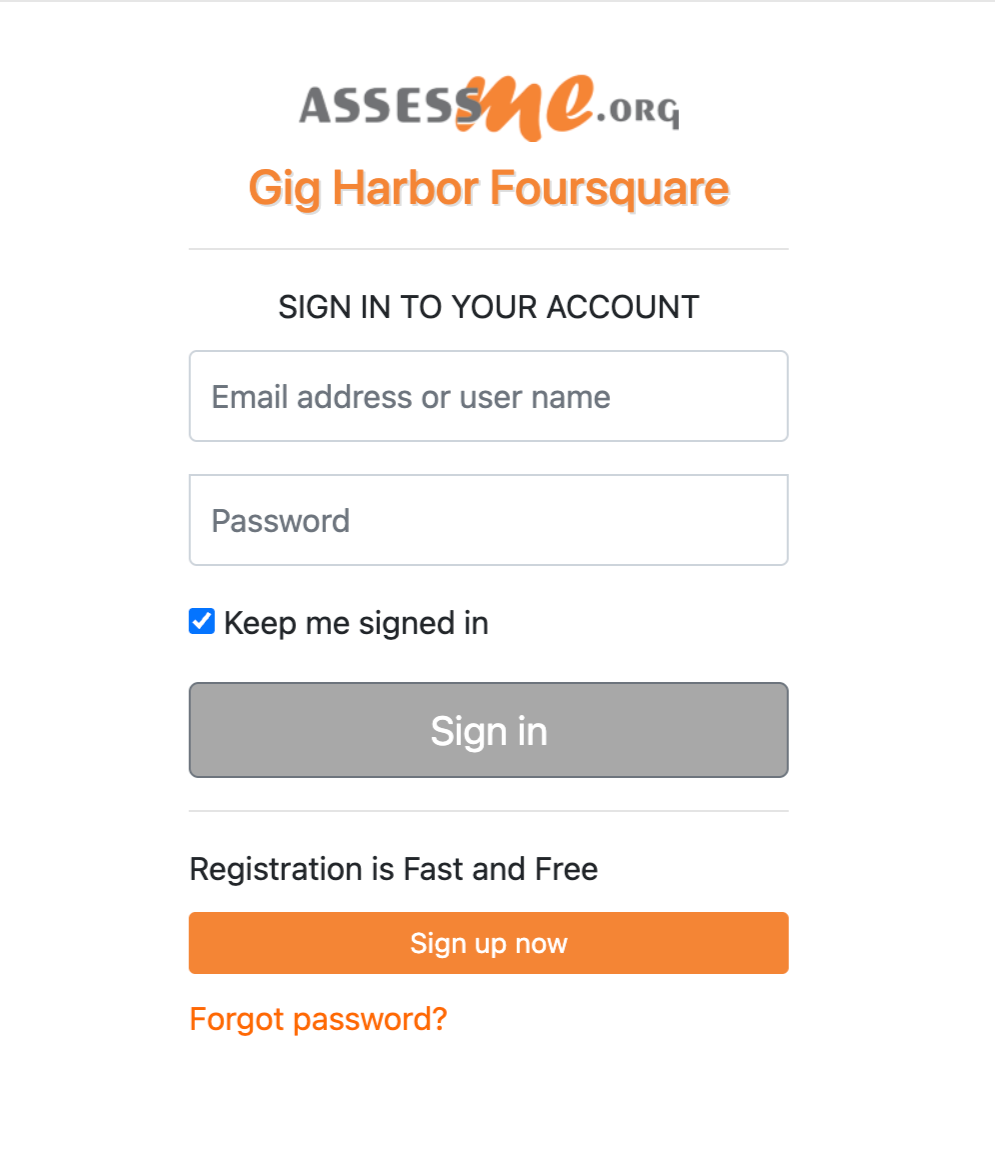
Scroll to the bottom of the page and click the orange “Sign Up Now” button.
3
Once you’re in the Assessment Center, you’ll see multiple assessments:
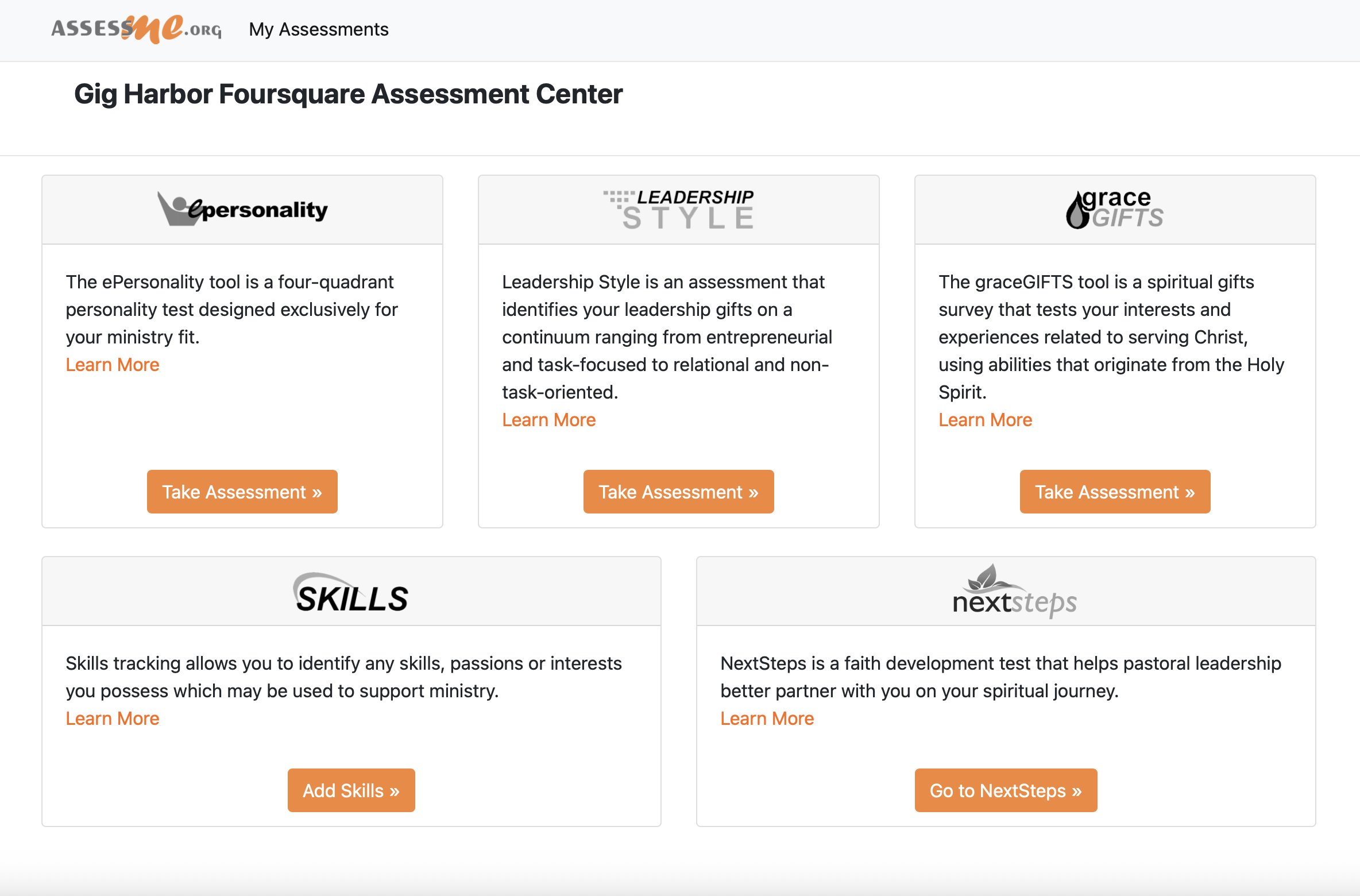
ePersonality helps you understand how God designed your personality.
Leadership Style shows how you influence others and work with teams.
Grace Gifts explores spiritual gifts and how they work with your personality.
NextSteps is a discipleship-focused module to help you grow spiritually.
Skills is a place to enter the skills you’ve developed and could offer in ministry.
4
Complete one assessment all the way through to the end. Then click “My Assessments” in the top left to access the next one. If you ever get lost or see a screen you don’t expect, just return to the first link and sign back in.
Common Questions
How long will this take?
It varies. Some people move through the questions quickly; others take their time. That’s okay! There’s no time limit - just answer thoughtfully so your results reflect your best sense of who you are.
Is there a way to fail?
Not at all! These tools are designed to help you discover more about yourself and how you might serve. Your personality, gifts, and skills are all part of how God made you and these assessments help us start meaningful conversations.
Who should take these assessments?
Anyone who calls Gig Harbor Foursquare home. When we look at all our gifts together, we see the strength and beauty of what God has brought together!